Indonesia · bintang888
bintang888 Home for Indonesia Casino Access
Live Baccarat, The Great Icescape, Rocket Crash and our sportsbook sit on one home screen, with DANA, OVO, GoPay and QRIS shown before you fund the wallet.
DANAOVOGoPayQRIS
21+
SSL
Access is available only where local law permits.
Sections
LOBBY FIRST
What You See on Our Home Screen

Our home screen puts the rooms you ask for first: live casino tables, slot rooms, crash titles and sportsbook access. You can move from Baccarat to The Great Icescape or Rocket Crash without digging through extra menus. The wallet, promo board and account icon stay visible near the header, so you know where to check balance, profile status and recent
activity. If you open the site from Surabaya on mobile data, the same sections load in a narrower order with tap-friendly cards.
Casino and Slots Near the Header
Casino and slots are placed close to the home header because those rooms get opened first after login.
Speed Baccarat
Rooster Rumble
Tree of Fortune
Volleyball Betting
Dreams of Macau
Phoenix Rises
SLOT ROOMS
Slot Rooms for Quick Sessions
Slots on the home page are arranged for short checks and longer sessions alike. You can browse casino and slots from the same screen, then return to the main lobby without losing your wallet…
01
Speed Baccarat
02
Rooster Rumble
03
Tree of Fortune
04
Volleyball Betting
05
Dreams of Macau
06
Phoenix Rises
Live Casino Tables in One Tap
Live casino sits beside slots so you can switch from reels to streamed tables with fewer page changes.
| Speed Baccarat | live casino |
|---|---|
| Rooster Rumble | slots |
| Tree of Fortune | slots |
| Volleyball Betting | sportsbook |
| Dreams of Macau | slots |
| Phoenix Rises | slots |

ACCOUNT START
How Your Account Begins at Home
Opening an account starts from the home header, not from a hidden page. Tap the account button, enter your mobile number, create your login name, set a password and confirm the one-time code when it is requested. We then show the lobby and wallet panel tied to your profile. Keep your name and phone details aligned with the payment account
you plan to use, because withdrawals may be checked against those details before the wallet team releases funds.
PAYMENT FLOW
DANA and QRIS on the Home Wallet
Your wallet opens from the home screen, so funding does not send you away from the lobby. Choose DANA, OVO, GoPay or QRIS, enter the amount, follow the payment prompt and wait for the balance refresh. Many e-wallet transfers appear within about a minute after the provider confirms them, though provider checks can add time. For withdrawals, we ask you
to confirm the amount and keep account details consistent before our wallet team reviews the request.
CRASH CORNER
Crash Titles Beside Casino Slots
Crash games sit near casino and slots for a direct change of pace from table rooms.
Rooster Rumble
Tree of Fortune
Volleyball Betting
Dreams of Macau
Phoenix Rises
SPORTSBOOK DOOR
Sportsbook Entry from the Lobby
The sportsbook entry is kept on the home page with casino and slots, so you do not need a separate start point.
Speed Baccarat
Rooster Rumble
Tree of Fortune
Volleyball Betting
Dreams of Macau
Phoenix Rises
ACCOUNT CHECKS
Checks We Run Before Access
The home page is also where we keep account status visible. If your profile needs a phone check, password reset or wallet review, the account area shows the next action instead of…
Phone confirmation
Your mobile number can be checked with a one-time code during account setup or recovery, helping us keep the home login tied to the person using it.
Wallet name match
Withdrawals may be reviewed against the name and payment details on your profile, especially when DANA, OVO, GoPay or QRIS activity does not match.
Session alerts
If we detect a new device path, we may ask you to confirm account access before the lobby opens, then return you to the home screen.
Law wording
When location or eligibility affects access, we use the phrase depends on local law so you see the condition before moving deeper into the lobby.

MOBILE PATH
Home Works Cleanly on Mobile
Mobile use shapes how we arrange the home page. On a phone, the menu sits at the bottom, the wallet opens from the header icon, and game cards stack vertically so your thumb reaches them easily. If the connection drops while a page is loading, refresh returns you to the same lobby area after login. We do not force a
separate app install for normal browser access; open the domain, log in, then use the home menu to reach casino, slots or sportsbook.
FAIR ACCESS
How We Present Game Access
Game access from home is kept direct but not careless. Each room opens through its provider frame, and outcomes are handled inside that provider session rather than edited…
Provider sessions
Live casino and slot rooms open through provider frames, so the home page acts as the entry point rather than…
Round history
Your account history helps support trace a frozen Baccarat, Super Bingo or Rocket Crash session by time, title and wallet…
Balance refresh
After a round ends, the provider result returns to the wallet and the balance refreshes on the account area near…
Clear categories
We separate live tables, slots, crash games and sportsbook access so you know which room you are entering before any…
SECURE ENTRY
Password and Login Controls at Home

The account icon on home is your main control point for sign-in, password changes and profile checks. Use a password you do not reuse on other sites, then keep your mobile number active for recovery codes. If you forget your password, start from Account Login, choose reset, confirm the code and set a new password before returning to the lobby.
We may also end idle sessions, especially when the same account is opened across more than one device.
HELP ROUTES
Support Links Kept on Home
Help is kept visible on the home screen because payment and login questions usually happen before you enter a game. Our live chat runs daily from 09:00 to 01:00 WIB, and WhatsApp support is available from the same help panel when chat volume is high. For wallet questions, send the payment method, amount and time shown by DANA, OVO, GoPay
or QRIS. For game issues, send the game name and the time shown in account history.
LIVE HELP
Ways to Reach Our Team
Support starts from the home help icon, so you do not need to search through account pages when something blocks your next step.
Live chat
Open the help icon on home between 09:00 and 01:00 WIB for login, wallet and game-session questions handled inside the chat window.
WhatsApp follow-up
When a case needs extra checking, we may continue through WhatsApp from the help panel, using the same account details you already provided.
Wallet ticket
For DANA, OVO, GoPay or QRIS questions, include the amount, payment time and account name so the wallet team can trace the transfer.
LOCAL ACCESS
Indonesia Access Without Extra Steps

We built the home page around Indonesia access, with local payment names shown in the wallet and account messages written in clear English for Indonesian readers. The lobby may differ by location because access depends on local law. If a room is unavailable, we show the available categories instead of sending you to a broken page. You can still check
your account area, update your profile and contact support from home even when a game category is not shown.
PLAY CHECK
Keep Your Session Under Control
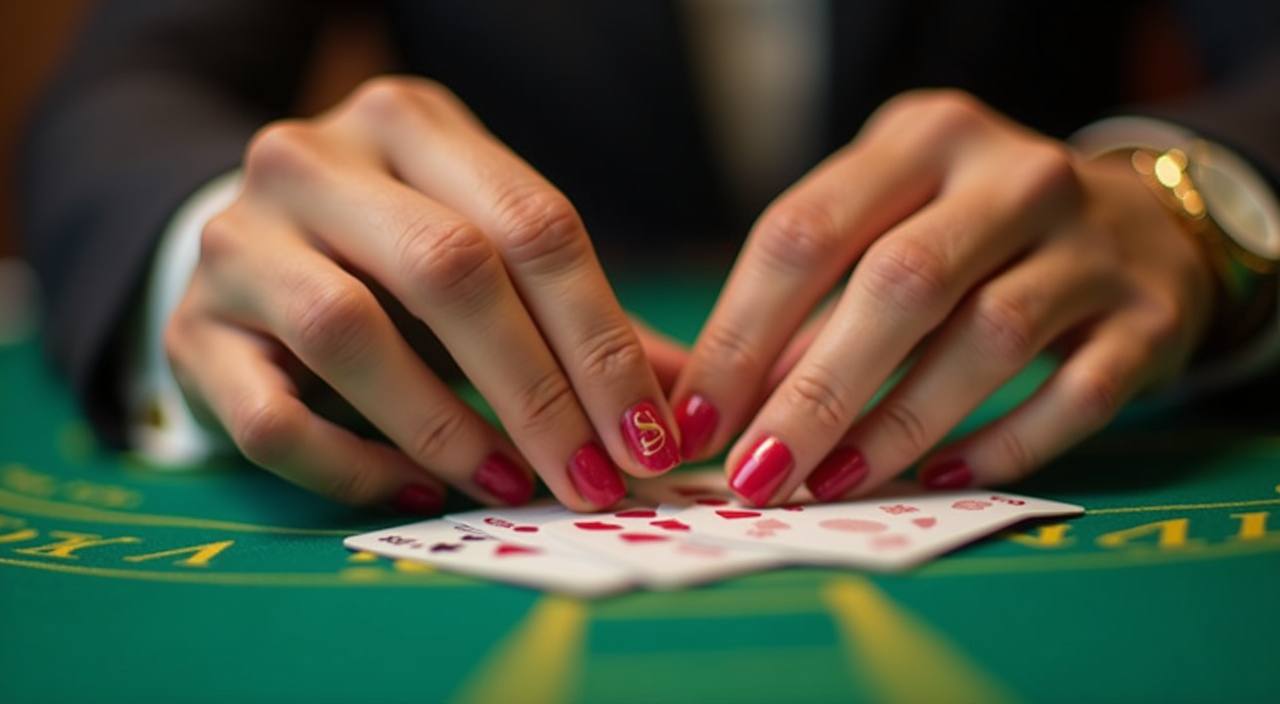
Before entering any room from home, check your balance, game category and time available for the session. Short games such as Rocket Crash move quickly, while live Baccarat may keep you at a table longer than planned. We place wallet access beside the lobby so you can pause, review recent activity and leave the room without closing the whole site.
If you feel rushed, step back to the home page and use the account area before continuing.
HOME SIGNALS
Details That Help You Verify Us
A real home screen should answer practical questions before asking for your next tap. We show payment names, account access, help hours and main game categories in places you can check without…
Domain check
Use bintang888.bet in your browser and check the header name before entering account details, especially after following a message link.
Visible payments
DANA, OVO, GoPay and QRIS appear inside the wallet flow, so you can confirm the rail before sending any transfer.
Help hours
The home help panel states 09:00 to 01:00 WIB for live chat, giving you a clear time window for direct replies.
Account area
Profile status, password reset and recent wallet activity are grouped under the account icon, keeping important checks close to the lobby.
LOCAL WALLET
Payment Methods on the Home Wallet
The home wallet keeps local payment choices in one place. Select the rail first, enter the amount, then follow the prompt shown for that method.
DANA
DANA deposits usually clear after the provider confirms the transfer.
OVO
OVO is shown inside the wallet list when available for…
GoPay
GoPay payments are started from the wallet panel, not from…
QRIS
QRIS lets you scan a payment code from the wallet…
Questions About bintang888 Home
These answers focus on the home page: opening an account, finding the lobby, using the wallet and contacting support. If your question involves a specific game round or payment trace, send the exact time and account detail through the help icon so our team can check it.
Use the account button in the header, enter your mobile number, create your login name and password, then confirm any one-time code requested before the lobby opens.
The wallet shows DANA, OVO, GoPay and QRIS when available for your account. Choose the method first, enter the amount, then follow the prompt shown on screen.
Casino and slots are grouped in the main lobby area below the header. You can enter live tables, slot rooms and crash titles from the same screen.
Yes. Open the domain in your mobile browser, log in, then use the header wallet and bottom menu to reach account, casino, slots and sportsbook areas.
Wait for the payment provider status, refresh the home wallet once, then contact support with the method, amount, payment time and account name if it remains pending.
Live chat is available daily from 09:00 to 01:00 WIB through the home help icon. WhatsApp follow-up may be used when extra checking is needed.
Game access can vary by account status and location, and depends on local law. When a room is unavailable, the home page shows categories you can access.